Teluyo Documentation
Teluyo is a browser-based visual website editor that lets users build, edit, preview, translate, import, and export static websites directly in the browser.
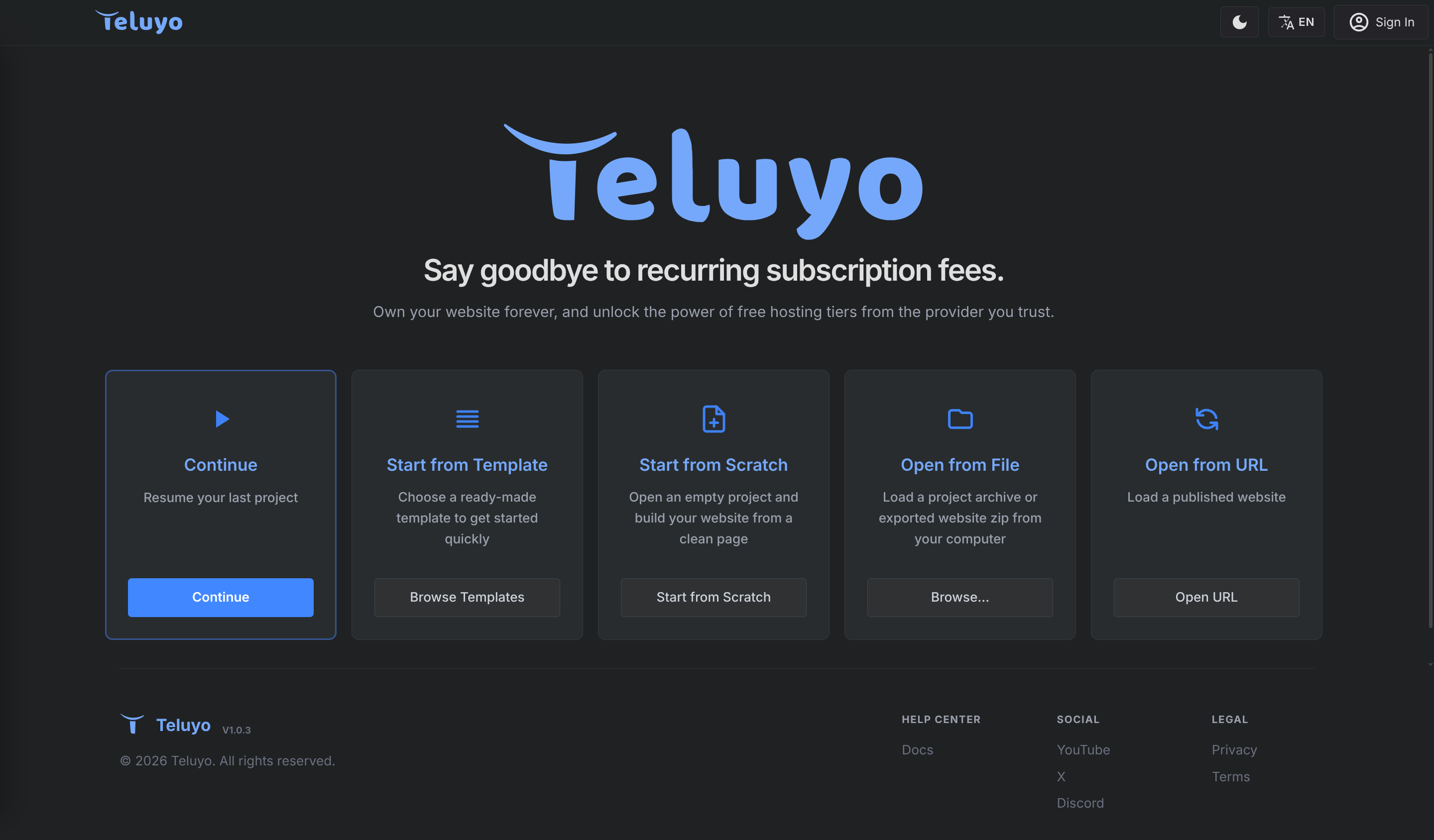
What You Can Do
- Start from a template, an empty project, a project ZIP, an exported website ZIP, or a published website URL.
- Edit pages visually in a live website preview.
- Add ready-made blocks, quick elements, global blocks, library blocks, custom scripts, and assets.
- Edit HTML, CSS, JavaScript, SEO metadata, links, images, classes, styles, events, and data attributes.
- Build multi-language sites with page preview, text management, AI translation, and language switchers.
- Use AI to generate whole projects, modify sections, improve prompts, edit text, and help with CSS or JavaScript.
- Export complete project archives, website ZIP files, asset ZIP files, and multi-language website packages.
Documentation Map
- Getting Started
- Workspace Overview
- Projects and Files
- Building Pages
- Editing and Styling
- Multilingual Sites
- AI Tools
- Advanced Features
- Import and Export
- Use a Domain with Cloudflare
- Account and Licenses
Important Concepts
Teluyo keeps the current editing session locally so users can continue later. A project can include pages, assets, styles, scripts, reusable blocks, language content, SEO settings, and editor preferences.
The main editor shows the active page in the center canvas, with project files on the left and editing tools on the right.