Projects and Files
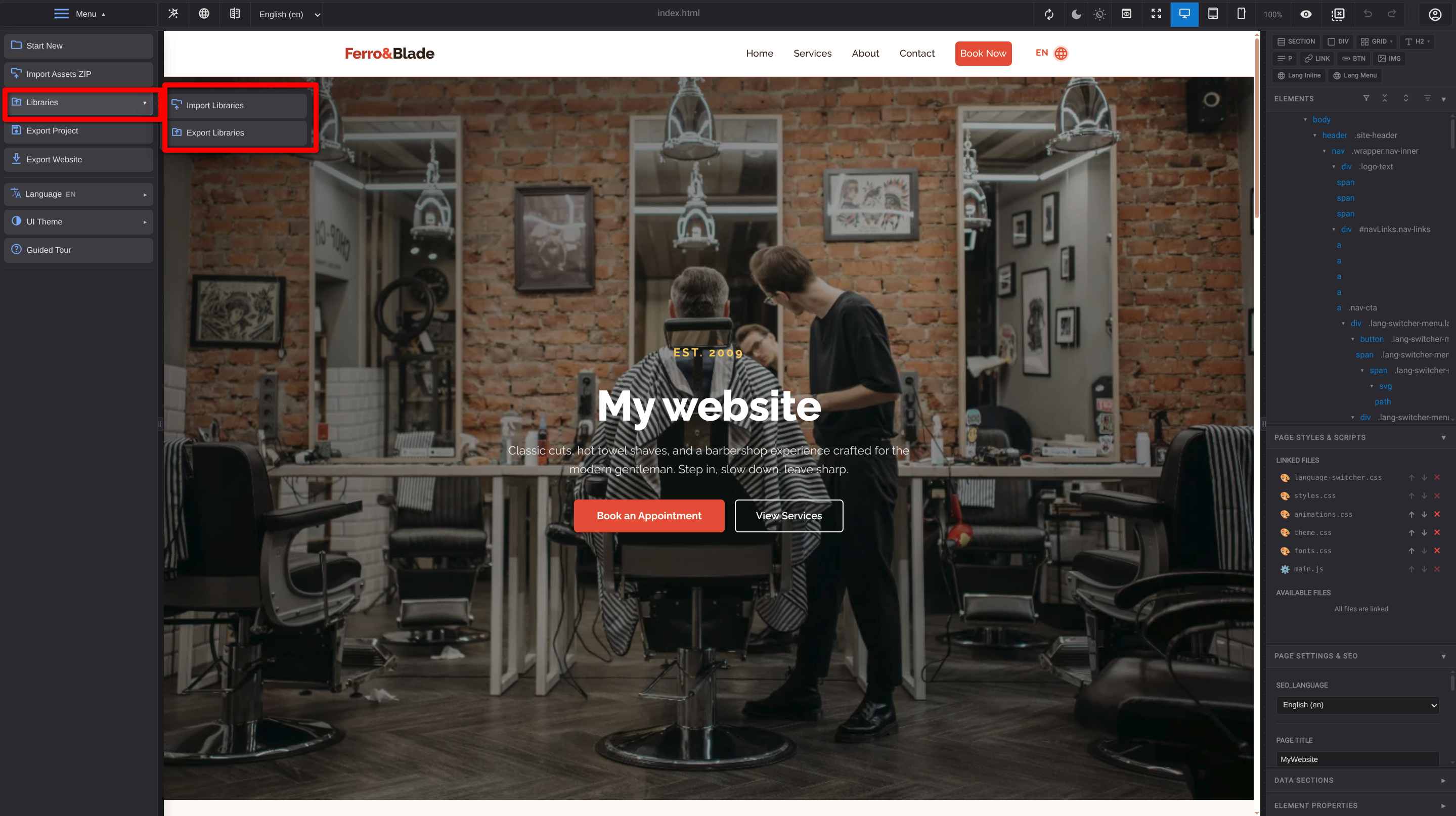
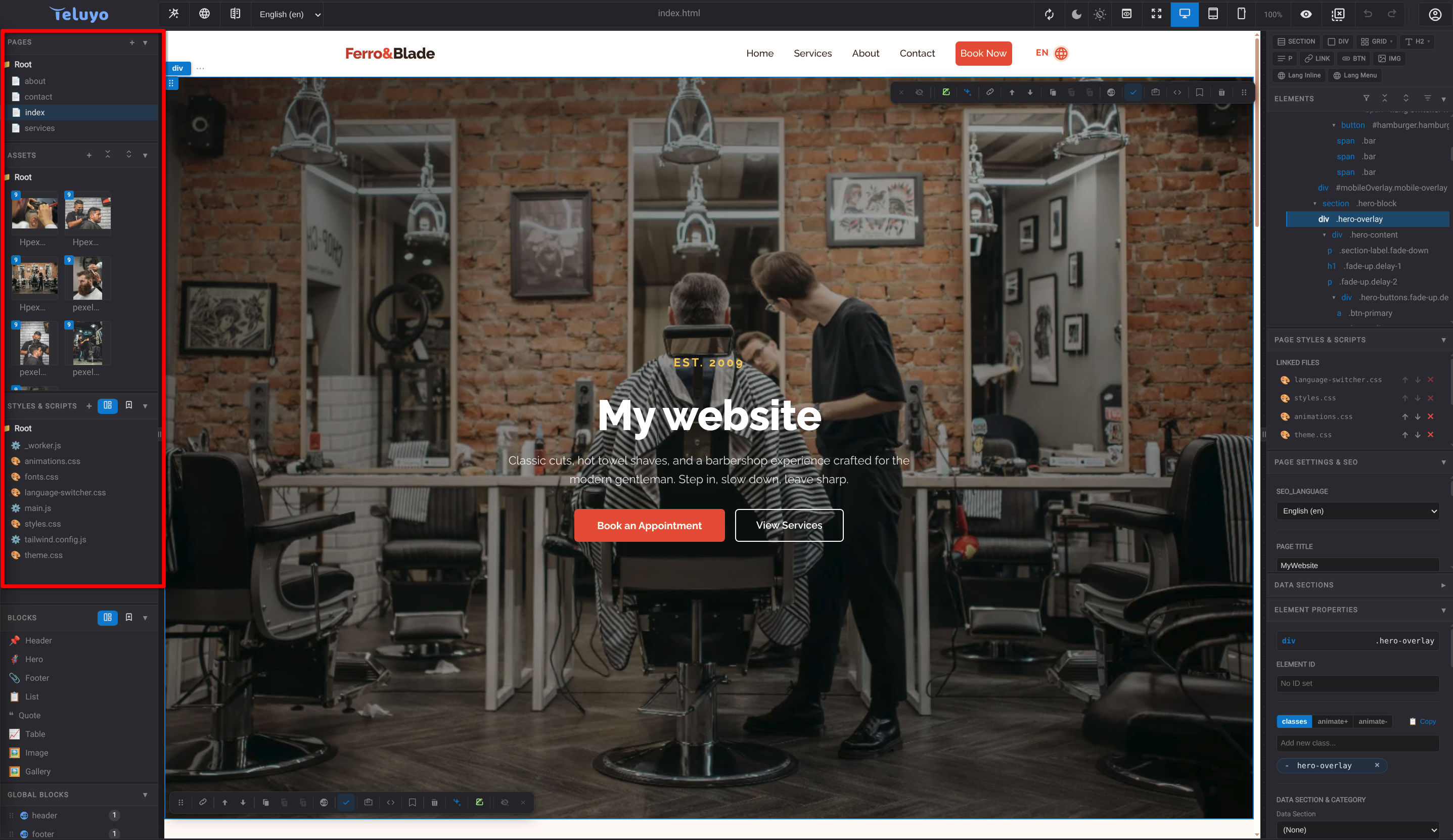
Teluyo projects are made of pages, assets, style files, script files, reusable libraries, i18n data, SEO data, and editor settings.
Pages
Pages are website pages. The project must include a home page for website export. Users can upload pages, create new pages, rename files, organize pages in folders, and open pages in the canvas.
Assets
Assets include images, video, audio, and other files used by pages. The asset tree groups media visually and supports uploads, previews, renaming, deletion, and folder organization.
If a website is imported from a URL, assets may be marked read-only when they are still remote. The read-only menu can download all assets locally or load them from an assets ZIP.
Styles and Scripts
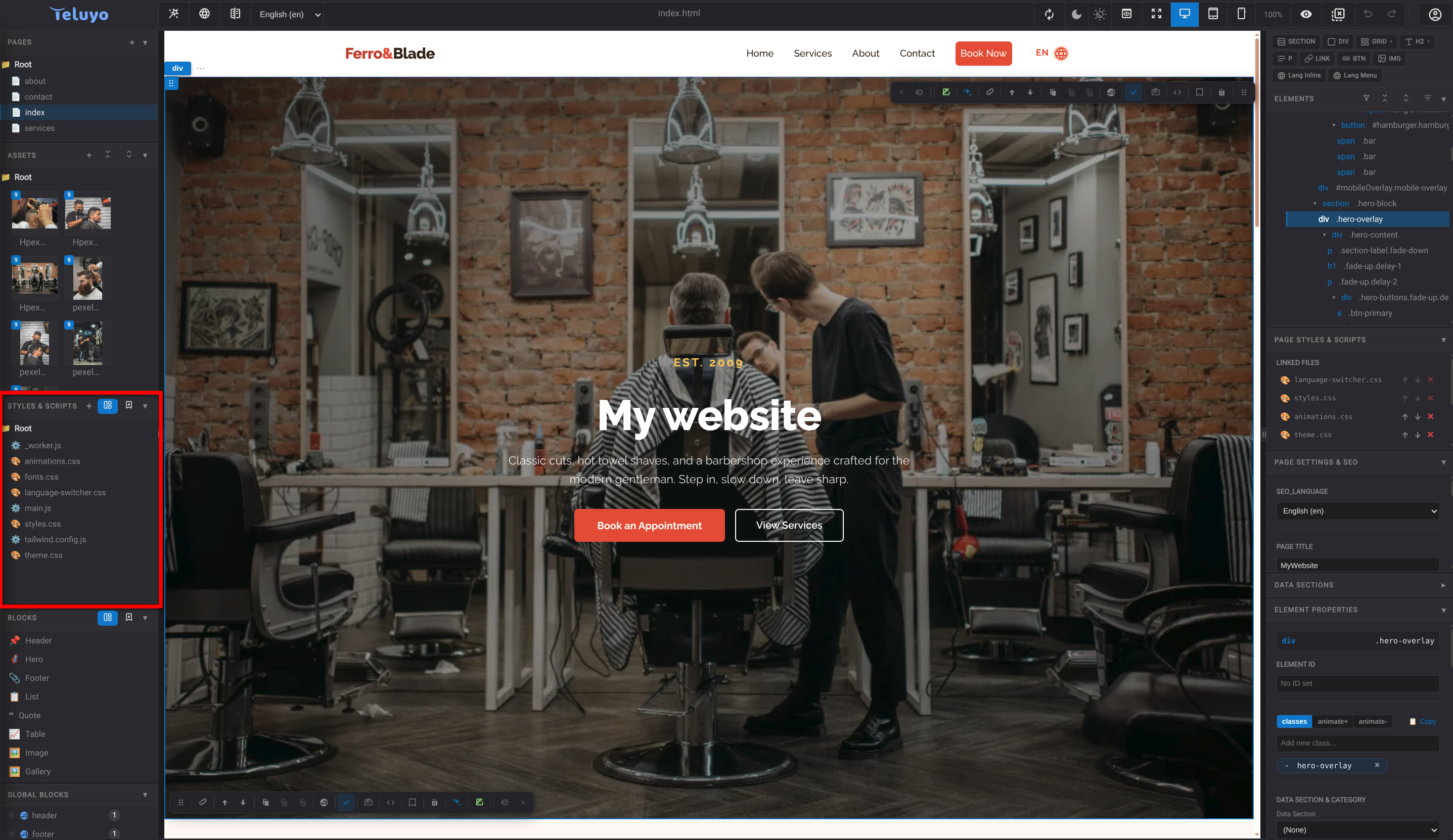
The Styles & Scripts pane manages CSS and JavaScript files. Users can:
- Create or upload CSS files.
- Create or upload JavaScript files.
- Add preset font CSS.
- Add preset theme CSS.
- Add
_worker.jsfor project worker logic. - Switch between project files and the personal script library.
Page Links
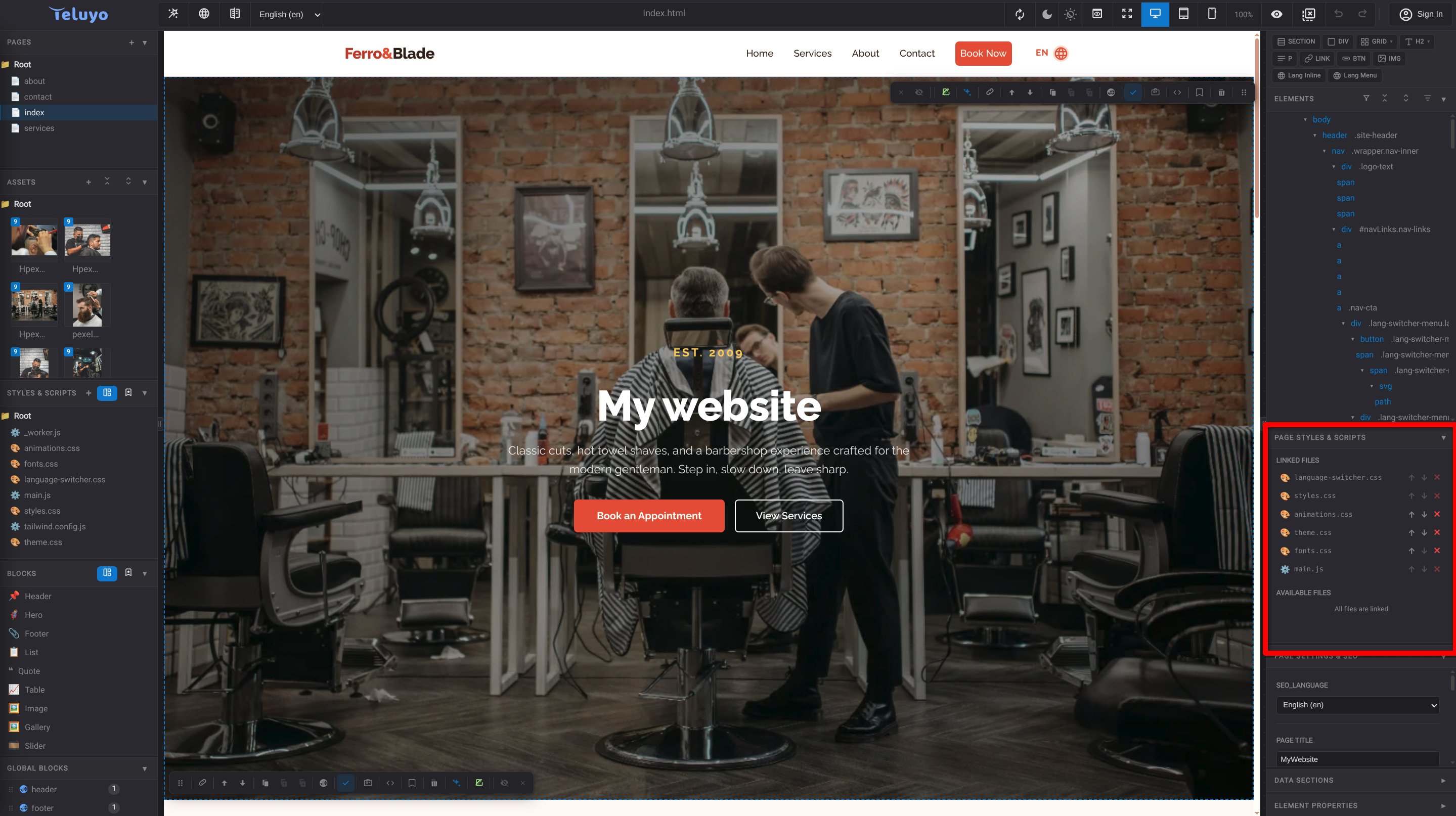
The Page Styles & Scripts panel shows which CSS and JS files are linked to the active page and which project files are available. Use it to link or unlink files without editing the page head manually.
This is also useful when one page needs a different theme. Add another theme stylesheet with a different file name so it will not be overwritten by the default theme file, then link it only to the page that needs it. In the linked stylesheet list, move that file lower than theme.css so it loads after the default theme and can override it. Files can be moved up or down in the list, and their position controls priority: later stylesheets have higher priority when CSS selectors have the same specificity.
Libraries
Teluyo includes two library systems:
- Block Library stores reusable HTML sections.
- Script Library stores reusable CSS and JS files.
Libraries can be exported and imported from the project menu when the user has at least one active license in the account.
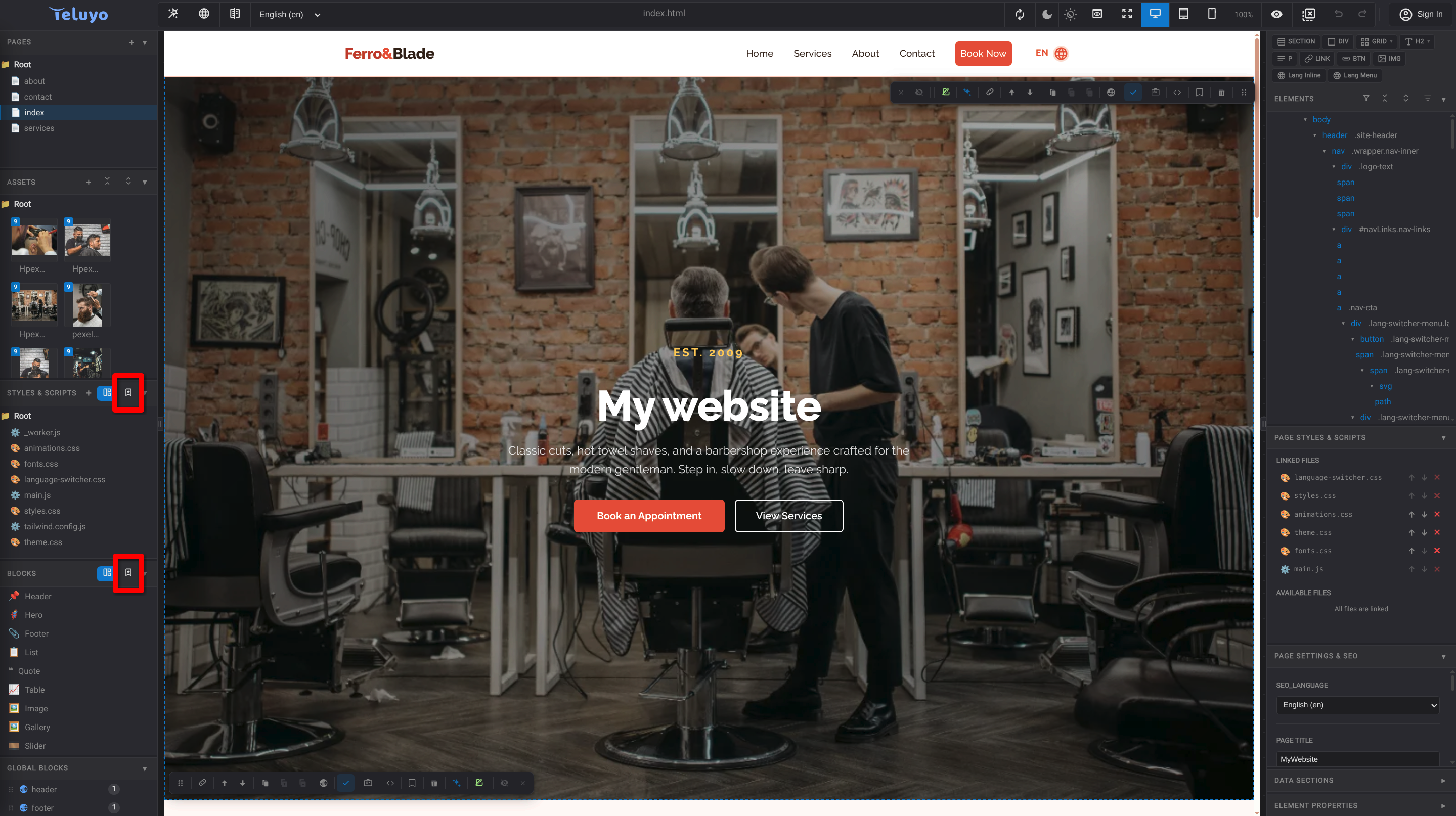
Import/Export: