Account and Licenses
Teluyo includes account login, license checks, gated actions, and account settings.

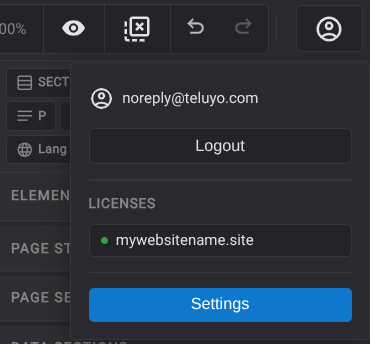
Login
Users sign in with an email address and an 8-character login code. The login flow includes:
- Email entry.
- Code verification.
- Change email.
- Session expiration prompt.
- Logout.
License Gating
Some actions are disabled until the user has a valid license. Gated actions show a tooltip such as Purchase a license to unlock this feature.
Licensed features include project and website export, asset ZIP import, library import/export, and other project actions controlled by the account state.
Account Settings
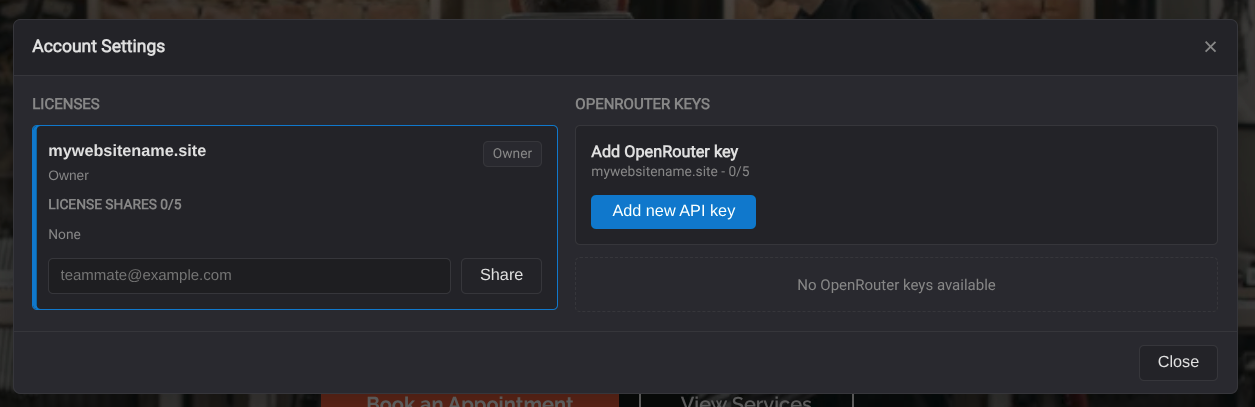
The account settings modal can show licenses, shared access, AI access controls, and related account actions.
Domain Selection For Export
When exporting with license-aware features, Teluyo asks the user to select a domain license. Website export can include files needed for that licensed domain.
Session Expiration
If a token expires, the app shows a session expired prompt and asks the user to log in again.